Open Dental Login, Setup, and Support: What Dentists Need To Know
Open Dental login steps differ by product: desktop, Open Dental Cloud, or ODMobile. Signing up starts with an order and a Registration Key. This guide walks through setup, login,...
Written by Mantas Petraitis
Read time: 6 min read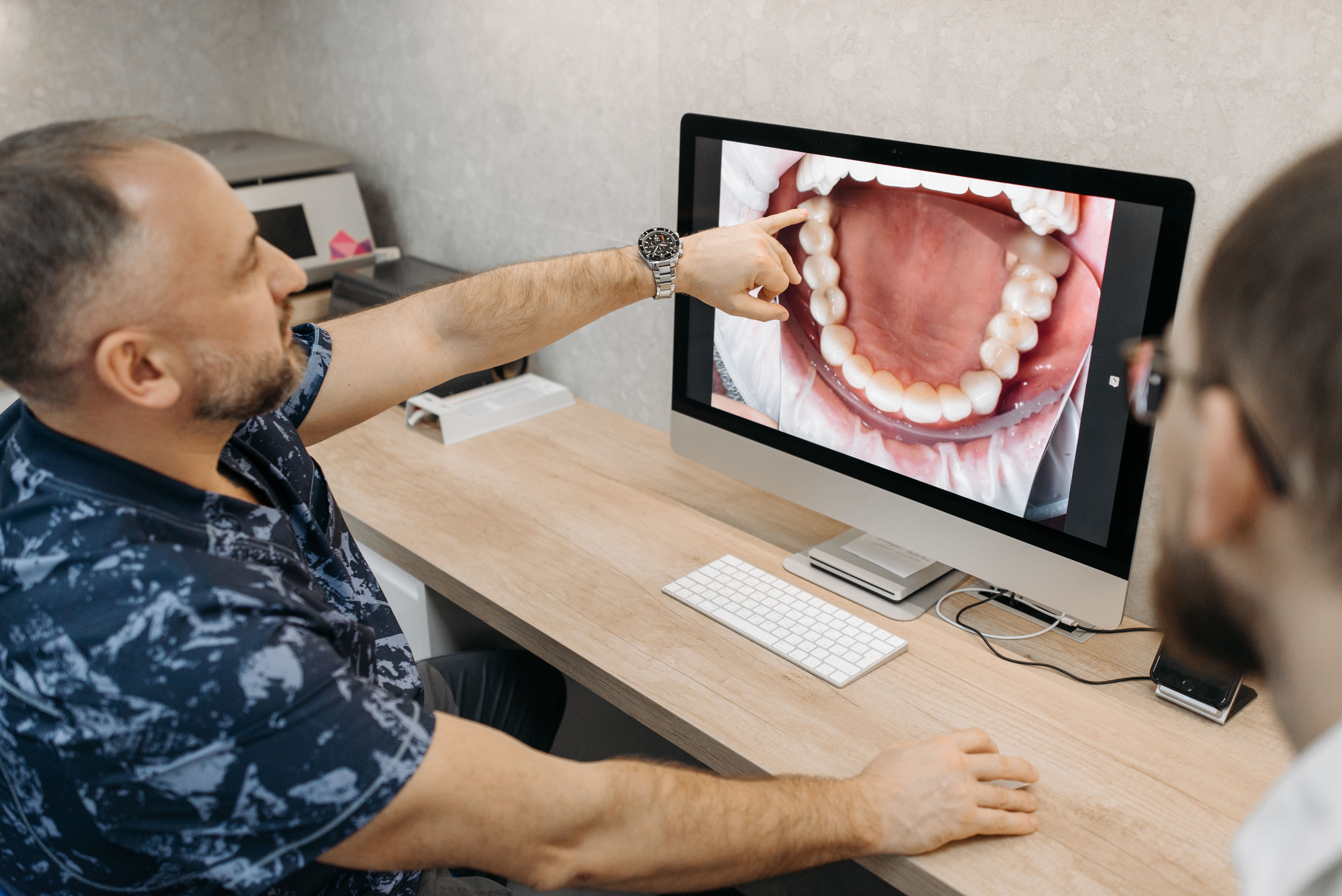
Open Dental login steps differ by product: desktop, Open Dental Cloud, or ODMobile. Signing up starts with an order and a Registration Key. This guide walks through setup, login, role permissions, and troubleshooting for US practices.
TL;DR
Sign up for Open Dental support, then receive a Registration Key by email.
Desktop logins use a username and password set up under Security.
Open Dental Cloud requires the OpenDentalCloudClient on every workstation.
Five failed login attempts lock an account for five minutes.
What Is The Open Dental Program?
Open Dental is a dental practice management program built for Windows. It handles scheduling, charting, billing, and insurance claims from one system. Most practices install it on their own server. A hosted version called Open Dental Cloud is also available.
The software itself has no license fee to download. Ongoing use requires a paid support subscription. That subscription covers updates, phone support, and new features. Open Dental was open-source before version 24.4, then moved to a proprietary license after that release.
Appointment scheduling and a visual operatory chart
Clinical charting, treatment planning, and imaging
Billing, claims, and insurance tracking
Patient communication tools, including texting and email reminders
Reporting across production, collections, and accounts receivable
Clinical staff use the chart module to build each patient's dental treatment plan before treatment starts.
How Do You Sign Up For Open Dental?
Open Dental sign-up starts with a demo or a direct order request. A staff member confirms details before setup begins.
Request a demo or contact Open Dental to place an order
Provide practice details, including location count and provider seats
Receive a Welcome email with a Registration Key after the order closes
Plan for a data conversion if switching from another program
Pay the first month's support fee before installation
Install the software using the Registration Key
No software license fee applies during signup. Data conversion is billed separately from support, per Open Dental's own conversions page. Fees vary by the software being converted from.
New practices building out their first system often follow a broader new dental practice checklist alongside software setup.
How Much Does Open Dental Cost?
Open Dental's own fees page states that support fees vary by location, provider count, and added functionality. No fixed public price list exists, so a direct quote is the only reliable number.
Cost item | What Open Dental states officially |
Software download | No separate license fee |
First upfront cost | One month of support, paid before installation |
Monthly support | Varies by location and provider count, quoted directly by Open Dental |
Data conversion | Priced separately from support, based on the source software |
Scanned image conversion | About $850 for most offices, per Open Dental's published rate |
Support refund window | 90-day money-back guarantee, software use must stop to qualify |
Practices can request an exact quote through Open Dental's own fees page. Budgeting for software also fits into a broader dental practice business plan.
How Do You Install And Set Up Open Dental?
Installation happens on a server or a primary workstation, since Open Dental runs on Windows. The steps below cover a typical single-location setup.
Download the installer from the official Open Dental website
Run the installer on the server or main workstation first
Set up the database during the guided install process
Enter the Registration Key sent in the Welcome email
Open Setup, then Security, to add users and assign permissions
Install Open Dental on each additional workstation, pointing to the same database
Every user should get a unique username and password at this stage. Shared logins make it harder to track who made a change. Shared credentials also weaken HIPAA compliance.
How Do You Log In To Open Dental?
Open Dental login steps depend on which version a practice runs. The three most common paths are the desktop program, Open Dental Cloud, and ODMobile.
Desktop Program Login Steps
The desktop login runs on the local network, using credentials created during Security setup.
Open Open Dental on a workstation connected to the practice network
Enter the assigned username and password
Click OK, or press Enter, to load the Main Menu
Contact a Security Admin if the account shows as locked
Open Dental Cloud Login Steps
Open Dental Cloud adds one extra step. It runs through a client app rather than a local install.
Install the OpenDentalCloudClient on the workstation, if not already installed
Go to the Open Dental Cloud URL provided by Open Dental HQ
Enter the office's Open Dental Cloud username and password
Log on again using individual Open Dental user credentials
Install any Cloud Client update if prompted before continuing
ODMobile Login Steps
ODMobile replaced the older Mobile Web tool for phone and tablet access.
Open the ODMobile app on a supported phone or tablet
Enter the Open Dental username and password
Check Remember Username to skip retyping it next time
Confirm the ODTouch or ODMobile permission is enabled for that user
Multi-factor authentication is not built into the desktop login. Practices wanting an extra layer typically add third-party security tools around the network instead.
What's Different Between A Dentist Login And A Staff Login?
Every Open Dental account sits inside a user group. That group controls what the account can do. A dentist and a front-desk coordinator can log in from the same workstation. Each sees a different menu.
What Does A Dentist Or Provider Login Show?
A provider account usually carries the widest set of permissions.
Full chart access, including notes tied to a provider signature
Treatment planning and case presentation tools
Prescription writing through DoseSpot, when configured
Practice-wide reports across production and collections
What Does A Staff Or Coordinator Login Show?
Front-desk and clinical support staff usually work under a narrower permission set.
Scheduling and check-in, without access to full financial reports
Insurance verification and claims entry
Patient communication tools, including texting and reminders
Limited chart access, based on the assigned user group
How Do You Assign Or Change A Login Role?
Roles get set through Security, not through the login screen itself.
Open Setup, then Security, from the Main Menu
Select a user group, or create a new one
Check the permissions that group should have
Assign each user to the correct group under User Edit
Why Won't Open Dental Let You Log In?
Most login problems come down to a small set of causes. Each one below lists the fastest fix first.
What If The Username Or Password Is Wrong?
A mistyped password is the most common reason a login fails.
Confirm Caps Lock is off before retyping the password
Ask a Security Admin to reset the password through User Edit
Avoid guessing repeatedly, since five failed attempts lock the account
Why Is The Account Locked?
Open Dental locks an account after five consecutive failed login attempts. This is confirmed in Open Dental's own documentation.
Wait five minutes, then try again
Ask a Security Admin to click Unlock Account immediately if urgent
Reset the password instead of retrying the same one
Why Does Open Dental Say The IP Address Is Not Allowed?
Some accounts are restricted to specific locations for security. A user without that permission gets prompted to add their IP address.
Confirm the Security Admin permission before adding an IP manually
Add the current IP address to the allowed list
Contact a Security Admin if the permission is missing entirely
Why Won't Open Dental Cloud Client Connect?
A missing or outdated Cloud Client blocks access to Open Dental Cloud.
Install the latest OpenDentalCloudClient when prompted
Confirm the correct Cloud URL from Open Dental HQ
Restart the workstation if the client fails to launch
Why Does Open Dental Say The Session Limit Was Reached?
Cloud accounts allow a set number of active sessions at once. Reaching that limit blocks any new session until one closes.
Close an existing session before opening a new one
Ask a Security Admin to increase the session limit if needed
Confirm no workstation was left logged in overnight
How Do You Contact Open Dental Support?
Open Dental support is available by phone, email, and live chat. It is included with an active subscription, according to Open Dental's official contact page.
Phone, 503-363-5432, for urgent issues
Email, service@opendental.com, for detailed or non-urgent requests
Live chat, available directly on the Open Dental website
Toll-free alternate line, 1-866-239-0469, if the main number is busy
Screen-share sessions are common during support calls, and Open Dental records them for security. Free training videos are available on Open Dental's YouTube channel. Paid one-on-one training is also available.
How Does Open Dental Compare To Other Dental Practice Management Software?
Open Dental is one of several practice management platforms US dental offices choose between. The table below compares it with three common alternatives.
Feature | Open Dental | Dentrix | Eaglesoft | Curve Dental |
Hosting | Self-hosted, Cloud optional | Self-hosted | Self-hosted, server required | Cloud-based |
License model | No license fee, paid support | Licensed software | Licensed software | Subscription |
Database | Practice-hosted | Varies by plan | Practice-hosted | Vendor-hosted |
Mobile access | ODMobile app | Varies by plan | Limited | Native cloud access |
Practices comparing platforms can read the Dentrix guide or the Eaglesoft troubleshooting guide. Both run on a similar self-hosted model to Open Dental's default setup.
What Are The Best Tips For Getting The Most Out Of Open Dental?
A few habits keep an Open Dental system running smoothly for the whole team.
Give every user a unique login instead of one shared account
Keep the Cloud Client updated on every workstation
Review Security groups quarterly as staff roles change
Back up the database on a regular, tested schedule
Benchmark features against other platforms once a year
Track claims against current procedure codes to catch billing errors early
Compare third-party administrator options before adding new billing tools
The practice management software comparison helps with that yearly benchmark. The dental codes reference and the third-party administrator software guide support cleaner billing.
Bottom Line
Open Dental login setup starts with signing up and receiving a Registration Key. Installation and Security setup follow next. Daily logins then run through the desktop program, Open Dental Cloud, or ODMobile.
Most login problems trace to a locked account, a missing Cloud Client, or an unassigned permission. Support is available by phone, email, and chat for anything the practice can't resolve directly. Practices exploring further automation can also read the 2026 AI adoption survey or the dental social media marketing guide once daily operations run smoothly.
Frequently Asked Questions
What is Open Dental login used for?
An Open Dental login gives access to scheduling, charting, billing, and claims inside the practice management program. The same credentials work across the desktop program once a user account exists.
How do I sign up for Open Dental?
Open Dental sign-up starts with a demo request or a direct order. After the order is closed, Open Dental sends a Welcome email with a Registration Key for installation.
Is the Open Dental program free?
The software download carries no license fee. An ongoing paid support subscription is required for updates, phone support, and continued use.
Why is my Open Dental account locked?
Five consecutive failed login attempts trigger a temporary five-minute lock. A Security Admin can also unlock the account immediately from User Edit.